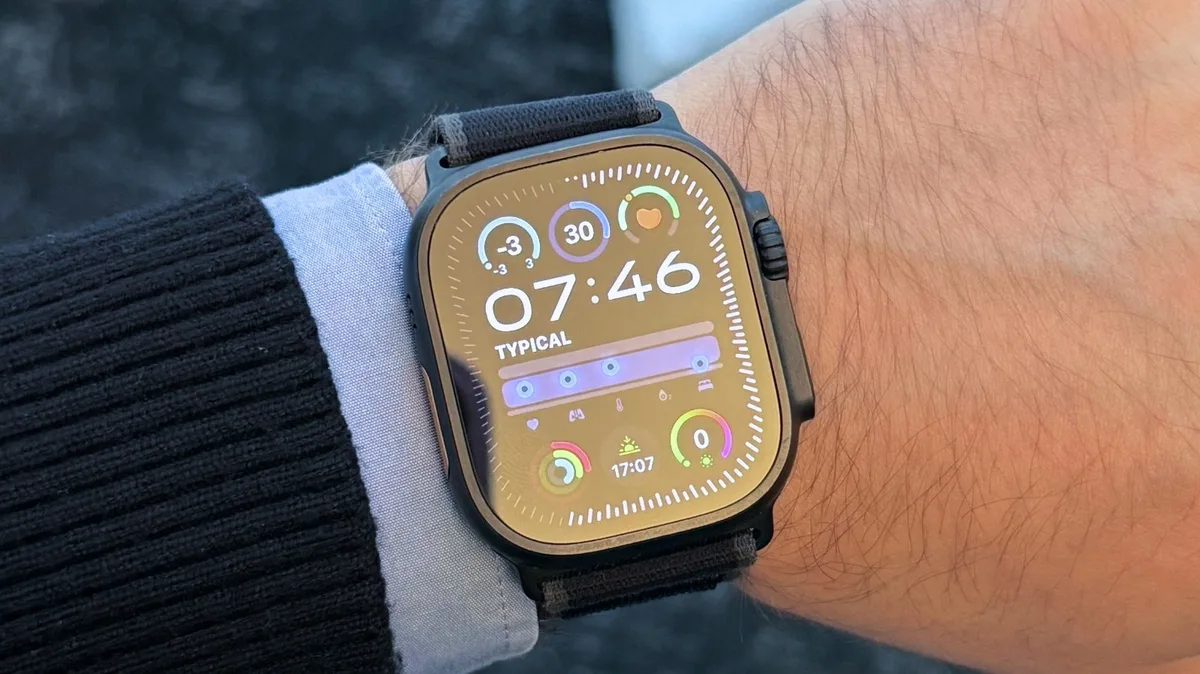
5 Apple Watch Problems iPhone Users Actually Hit
Your Apple Watch disconnects from your iPhone constantly. You walk into another room, check a notification, and suddenly it's not syncing anymore. The watch sits there buffering while your phone is right in your pocket. It's supposed to stay connected within Bluetooth range, but the real world doesn't work like Apple's marketing videos. Battery drain gets worse with every update, and nobody can figure out why because Apple doesn't publish detailed power specs anymore.
Then there's the fitness tracking nonsense. The watch counts phantom calories. You sit still and it logs movement. You actually go for a run and it misses half your distance because GPS cuts out periodically. The heart rate monitor works fine one day and reads like you're sprinting when you're actually sleeping the next day. If you're actually trying to use this for serious training, you're fighting the hardware constantly.
Notifications pile up and don't clear properly. You read something on your watch, tap it away, and it still shows as unread on your phone. Or worse, the opposite happens—you clear it on your phone and it haunts your wrist all day. Third-party apps crash or just stop working after an update. The watch restarts at random. None of this is a deal-breaker if you just want a fancy notification screen on your wrist, but if you're relying on it for actual productivity or health data, you're gambling with broken software.